Your recipes,
finally not living
in five browser tabs.
Turn "what's for dinner?" into a solved problem. Save recipes, plan meals, and build grocery lists that actually make sense.
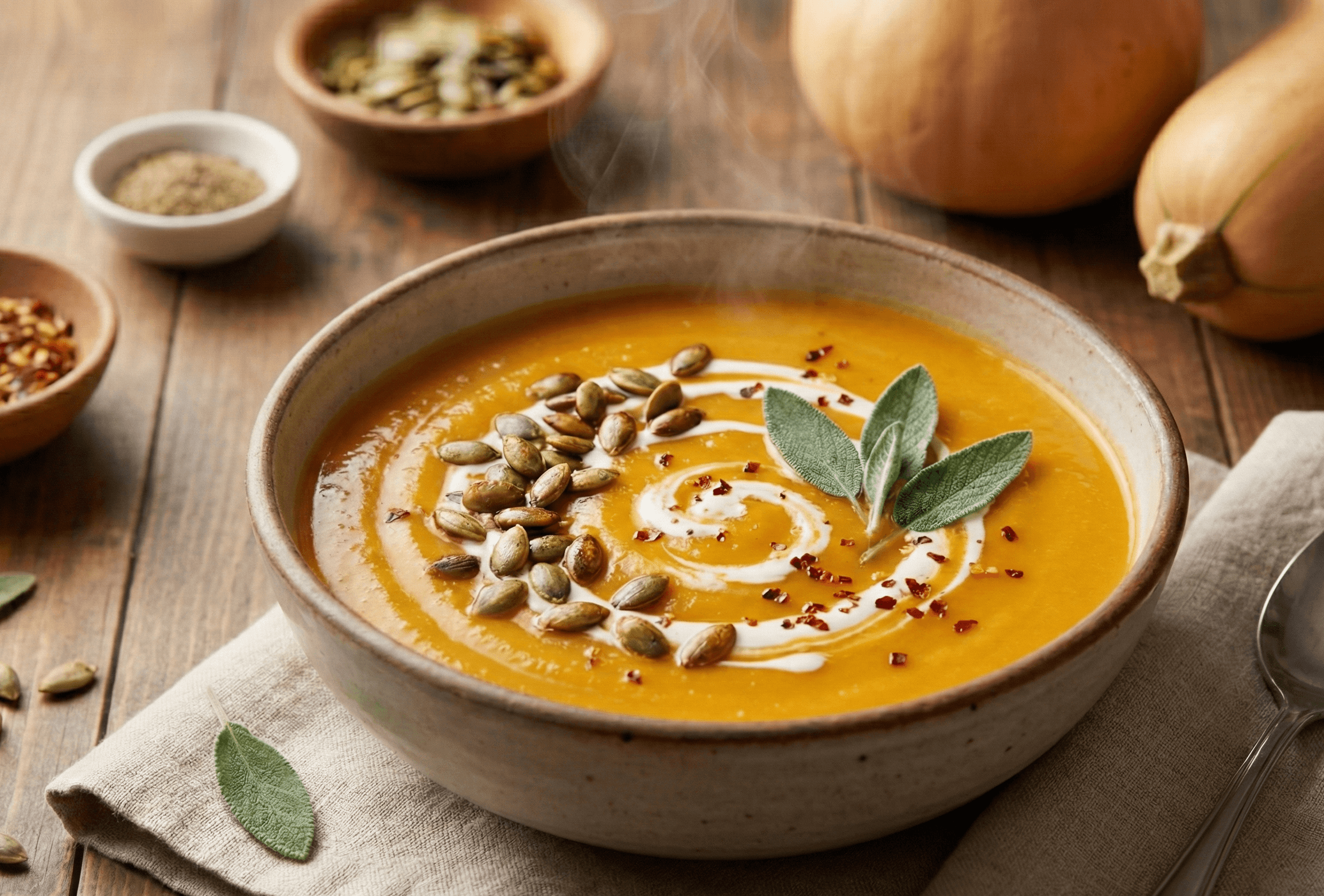
Spiced Butternut Soup
Grocery List
8 itemsAvocado Toast
Caesar Salad
Spiced Butternut Soup
From chaos to clarity
Recipes from everywhere.
One place to find them.We've all been there. Recipes scattered everywhere, grocery lists forgotten, dinner plans that live only in your head.
Recipes to try (47)
Dinner ideas (23)
Link broken…
– milk (2%??)
– eggs
– bread
– butter or marg idk
Screenshot saved
IMG_4829.PNG
Your Spice Shelf
Everything you need, nothing you don't. TapClick a jar to peek inside.
Recipe Clipper
Paste a URL or snap a photo. Skip the life story. Get the recipe.
Recipe Library
Search "that pasta thing" and actually find it. Organize with tags.
Smart Grocery List
Combines ingredients automatically. Premium: unlimited lists for different stores.
Week Planner
Drag dinner to Wednesday. Auto-generate your grocery list from the plan.
Your recipes,
in your pocket.
Check recipes while dinner simmers. Cross off groceries in the store.Your list and recipes, wherever your phone goes.
Reels you save → recipes you cook.
Stop losing the good stuff in your scroll. Send any recipe reel to Spiceful from the share sheet — we'll turn it into a clean, structured recipe.
- 1Find a reel with a recipe.
- 2Share → Spiceful from the iOS / Android share sheet.
- 3It lands in your recipe book, structured.

Plan your week in minutes
Drag recipes onto your calendar, see what's for dinner at a glance, and auto-generate your grocery list from your meal plan.
This Week
Drag & Drop
Move recipes around your week with ease
Auto Grocery List
Generate lists from your meal plan
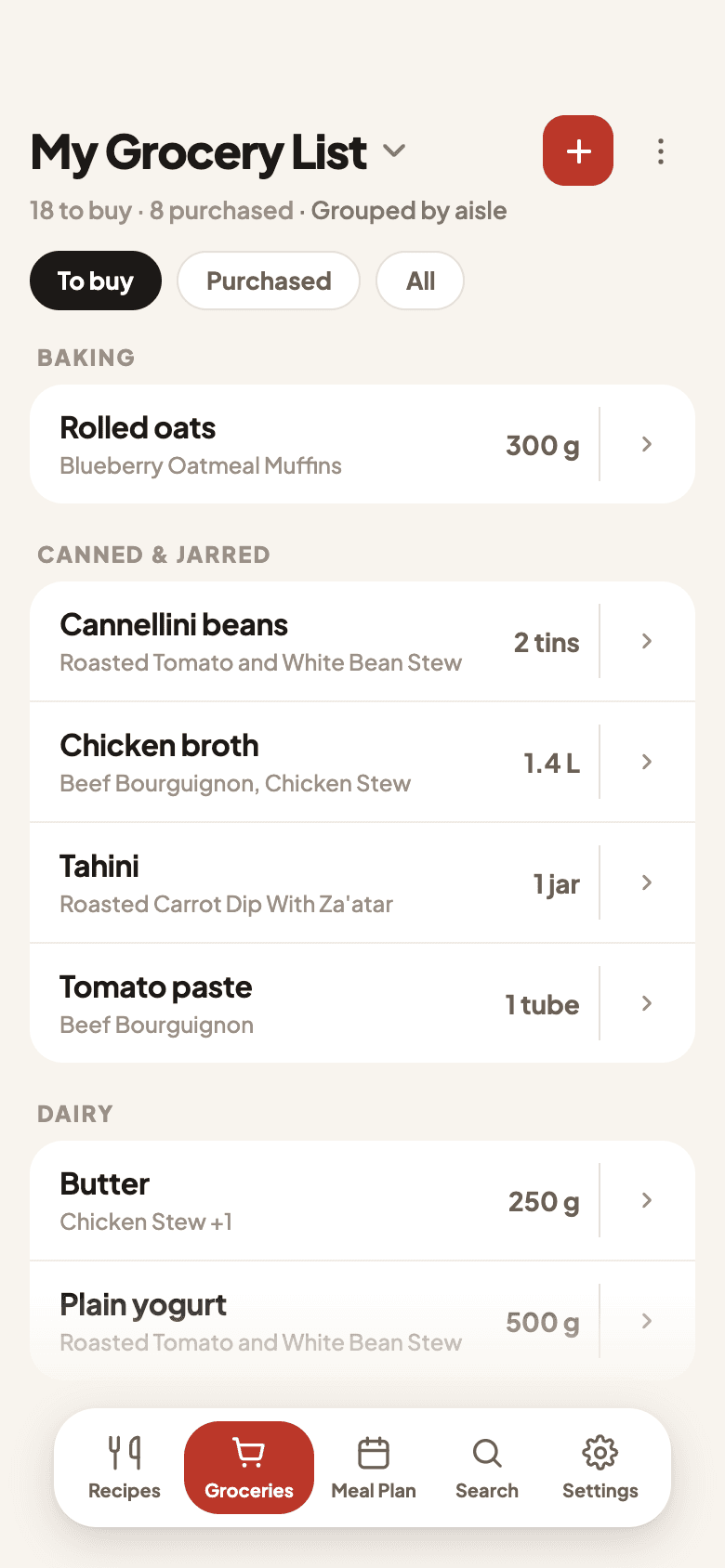
Stop buying too many onions.
Your grocery list, finally organized. Auto-generate lists from your meal plan, check items off while shopping, and watch duplicates merge like magic.
Your recipes want...
🤯 7 line items. 3 trips down the produce aisle.
Real consolidation. No smoke, no mirrors.

Pass the recipe, not the screenshot.
One tap turns any saved recipe into a link. Drop it in a text, a DM, or a group chat — friends land on a clean recipe page they can save with one click.
- 1Tap Share on any saved recipe.
- 2Link copied — paste anywhere (text, WhatsApp, social).
- 3They open it on a recipe page built for sharing.
One kitchen. Three people.
Premium covers you and two other people. A partner, a roommate, whoever actually cooks. Everyone signs in with their own account and shares the same recipes, grocery list, and meal plan.
- 1One recipe library, so the weeknight pasta and the birthday cake live in the same place.
- 2One grocery list, so the person at the store sees what the week needs.
- 3One meal plan, so Wednesday dinner isn't a group-chat debate.
Free is just for you. One subscription covers the household.
See PremiumSwitching from another app?
Import your entire recipe collection in seconds. No manual copying, no lost recipes. Just upload your export file and we'll do the rest.
Supported formats:
Coming soon: Cookbook, Crouton, Recipe Keeper
Drop your export file here
.paprikarecipes or .melarecipes
What People Are Saying
We asked our users for feedback. These are definitely their exact words.
“I used to have 47 browser tabs of recipes. Now I have 46. Baby steps.”
Amanda Chen
Aspiring Home Chef
“The grocery list told me I needed 5 eggs instead of '2 eggs + 3 eggs.' Revolutionary.”
Marcus Johnson
Breakfast Enthusiast
“I planned a whole week of dinners. My family thinks I've been replaced by a competent adult.”
Sarah Mitchell
Meal Planning Convert
“Finally imported my grandmother's recipe from that weird food blog. Skipped the 12-paragraph preamble.”
David Park
Recipe Rescuer
“It's like having a sous chef who actually remembers what we already have in the fridge. Except it doesn't.”
Rachel Torres
Home Cook (Allegedly)
“My meal plan looks so good I screenshot it to show people. They pretend to care. It's great.”
James Wilson
Calendar Maximalist
Spiceful goes
where you go.
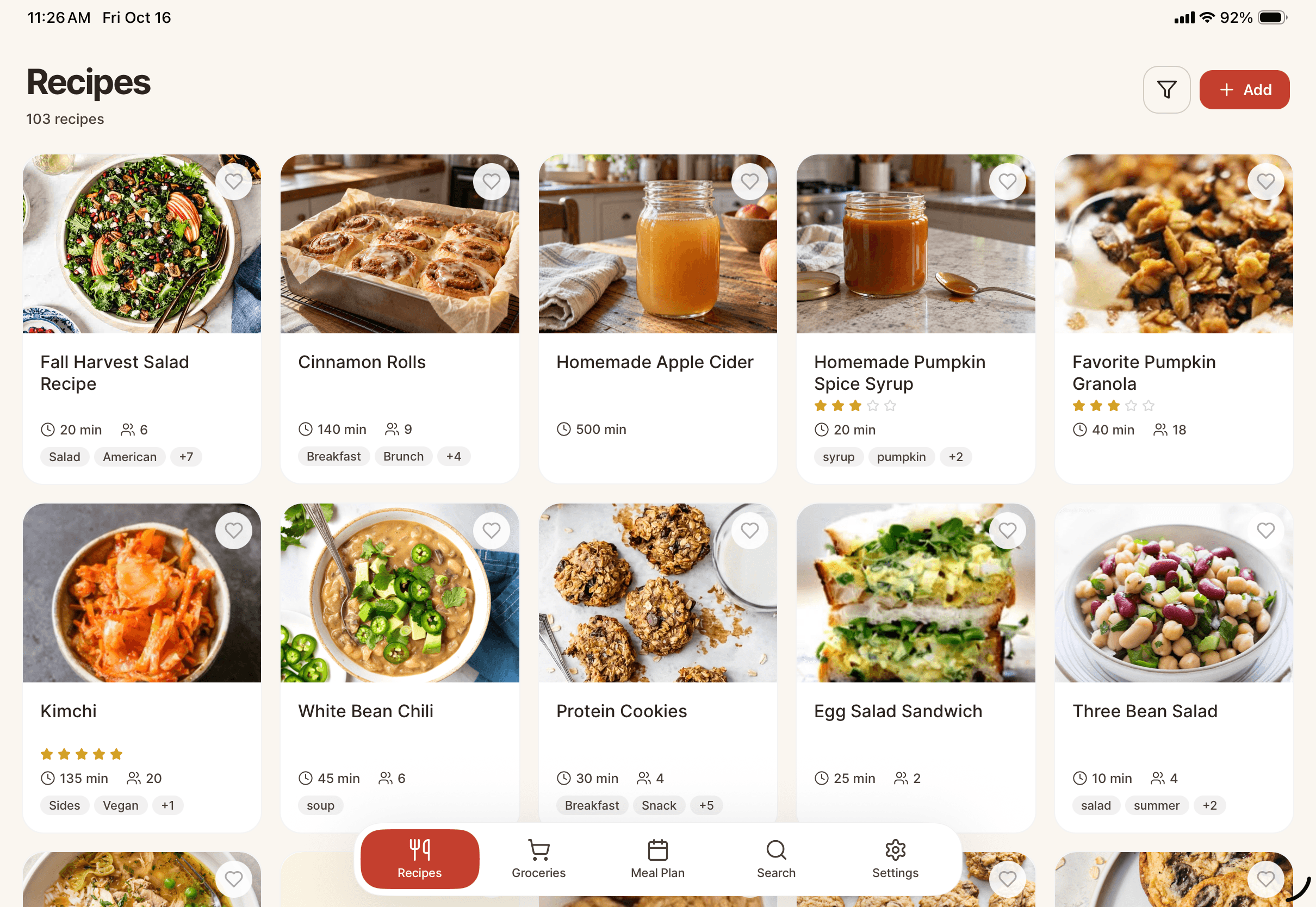
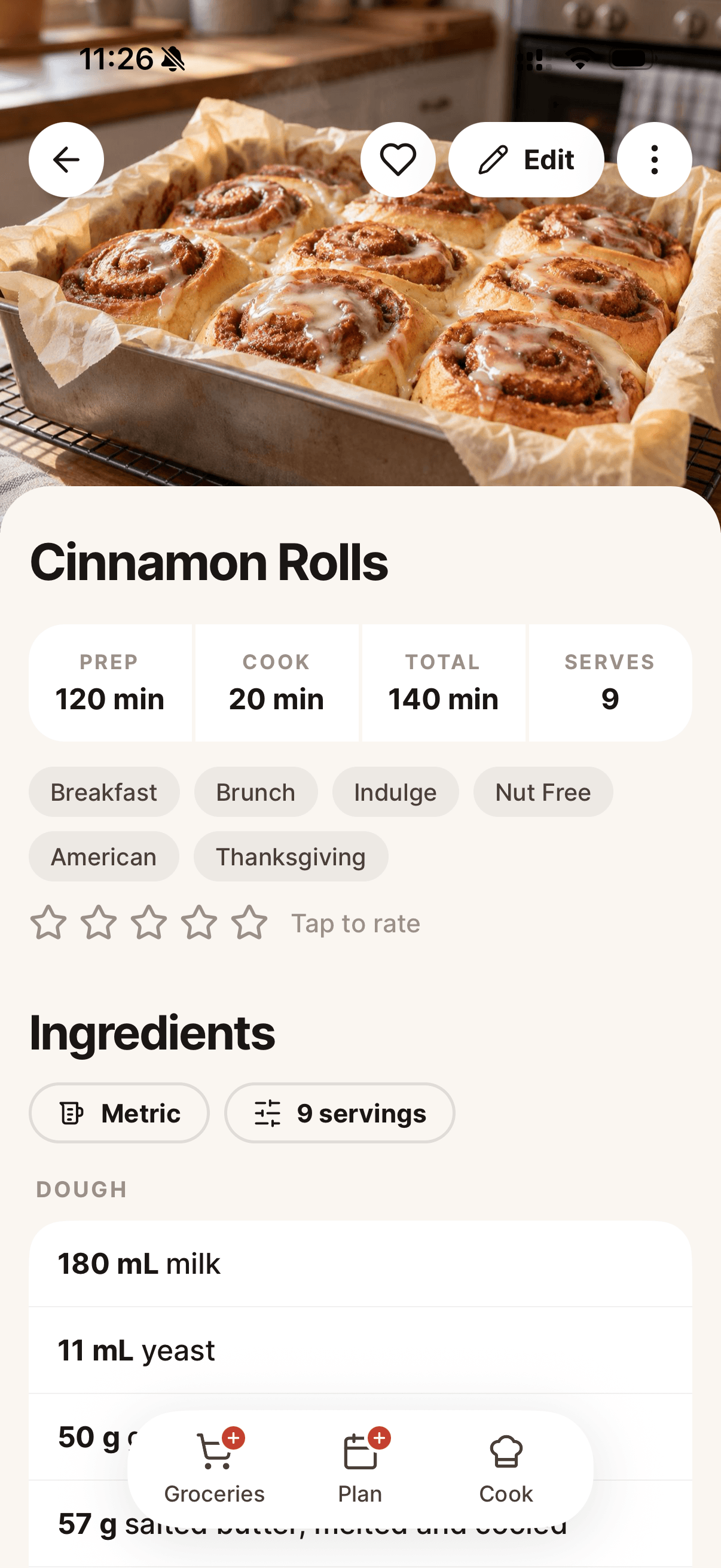
Download for iPhone, iPad, or Android — or use it right in your browser.Your recipes, everywhere you cook.
Kitchen Drawer
The answers you might actually need.
We try our best. Our AI importer handles most sites, but if it hits a paywall or something truly strange, you can paste the text directly or snap a photo of the recipe. No shame in copy-paste.
Yes! Premium users can bulk import their entire recipe collection from Paprika (.paprikarecipes) and Mela (.melarecipes) files. Just upload your export file and we'll do the rest. More apps coming soon.
Drag recipes onto your calendar to plan your week. When you're ready to shop, we auto-generate a grocery list from your meal plan with all ingredients combined and organized. Premium users can plan up to 90 days ahead.
No. Your recipes are yours. We don't sell them, analyze them, or train AI models on your grandmother's secret sauce recipe.
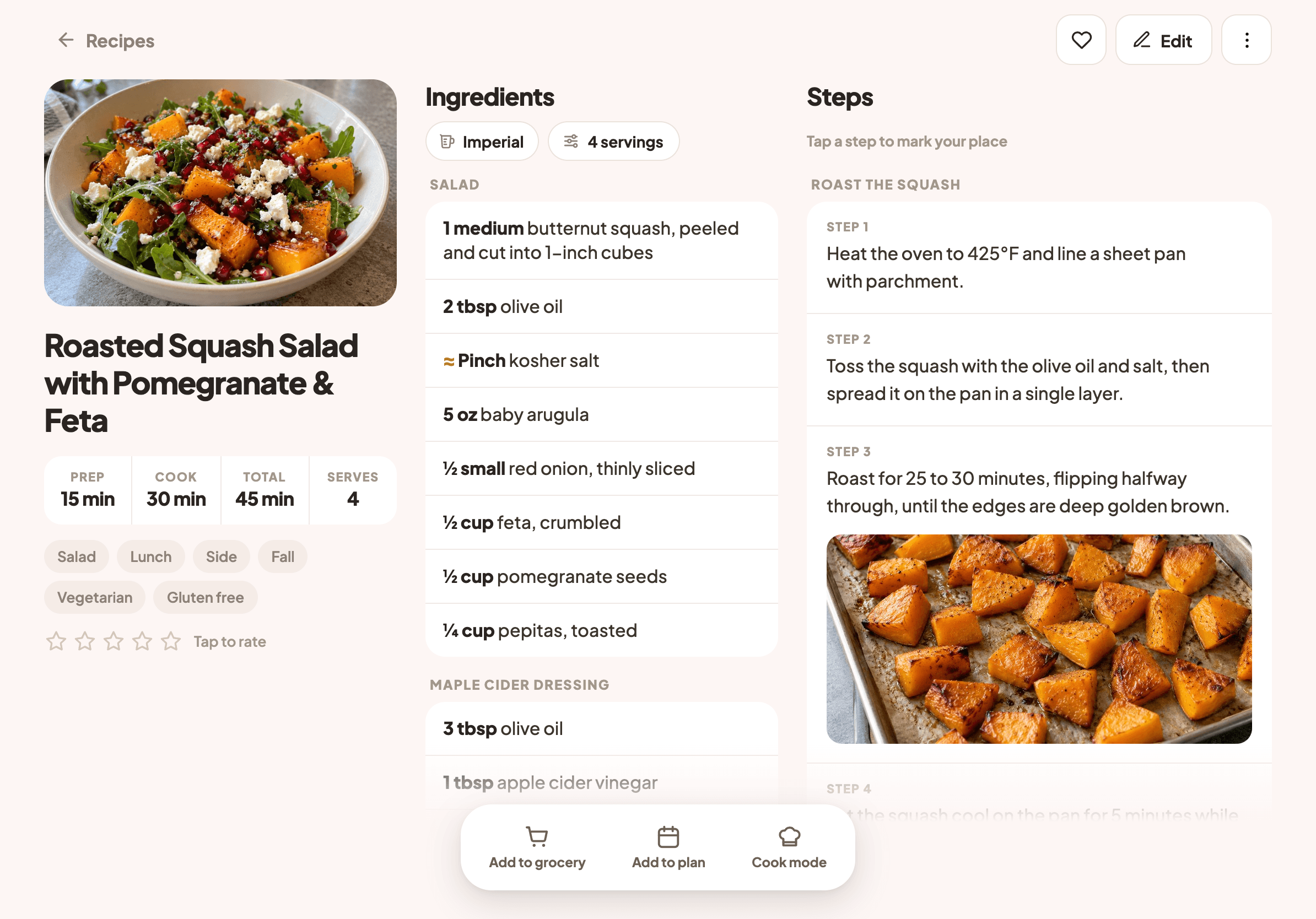
Absolutely! Tap through steps one at a time, and completed steps stay visible with a strikethrough so you never lose your place. Works great on your phone propped up on the counter.
Spiceful works everywhere you cook! Download it for free on the App Store (iPhone and iPad) or Google Play (Android phones and tablets). You can also use Spiceful right in your web browser at getspiceful.com — no download needed. Your recipes, grocery list, and meal plan sync automatically across all your devices.
On Premium, invite up to two other people. You each sign in with your own account and share the same recipes, grocery list, and meal plan — so whoever's at the store sees the list, and Wednesday's dinner isn't a surprise. One subscription covers the household. Free is just for you.
Free gives you 10 recipes, 10 AI imports/month, and basic features, just for you. Premium unlocks unlimited recipes, 200 AI imports/month, bulk import from other apps, multiple grocery lists, 90-day meal planning, smart ingredient consolidation, and a household of you plus two other people. See our pricing page for full details.
Still have questions? We're working on a proper support channel. For now, we're just two people who like cooking.